 Image 1 of 6
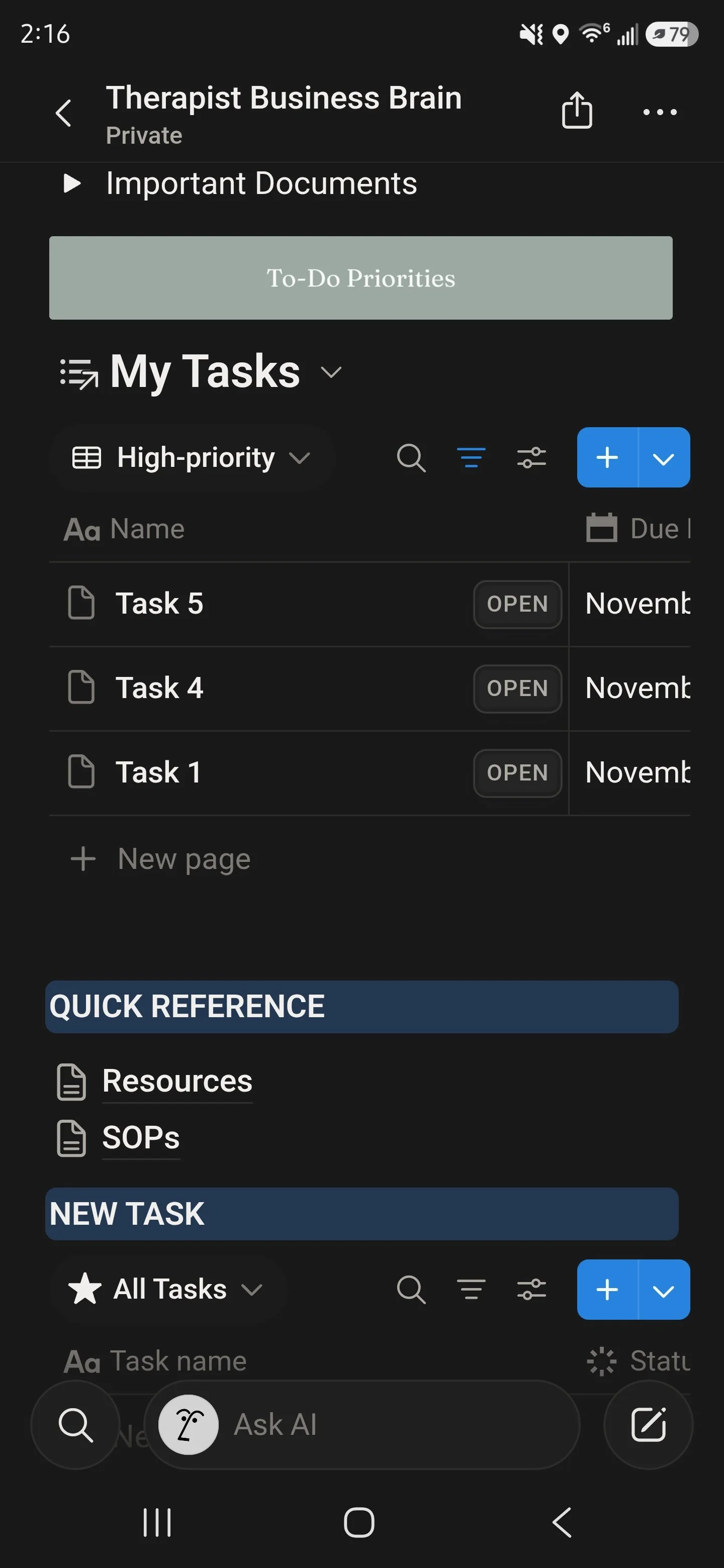 Image 2 of 6
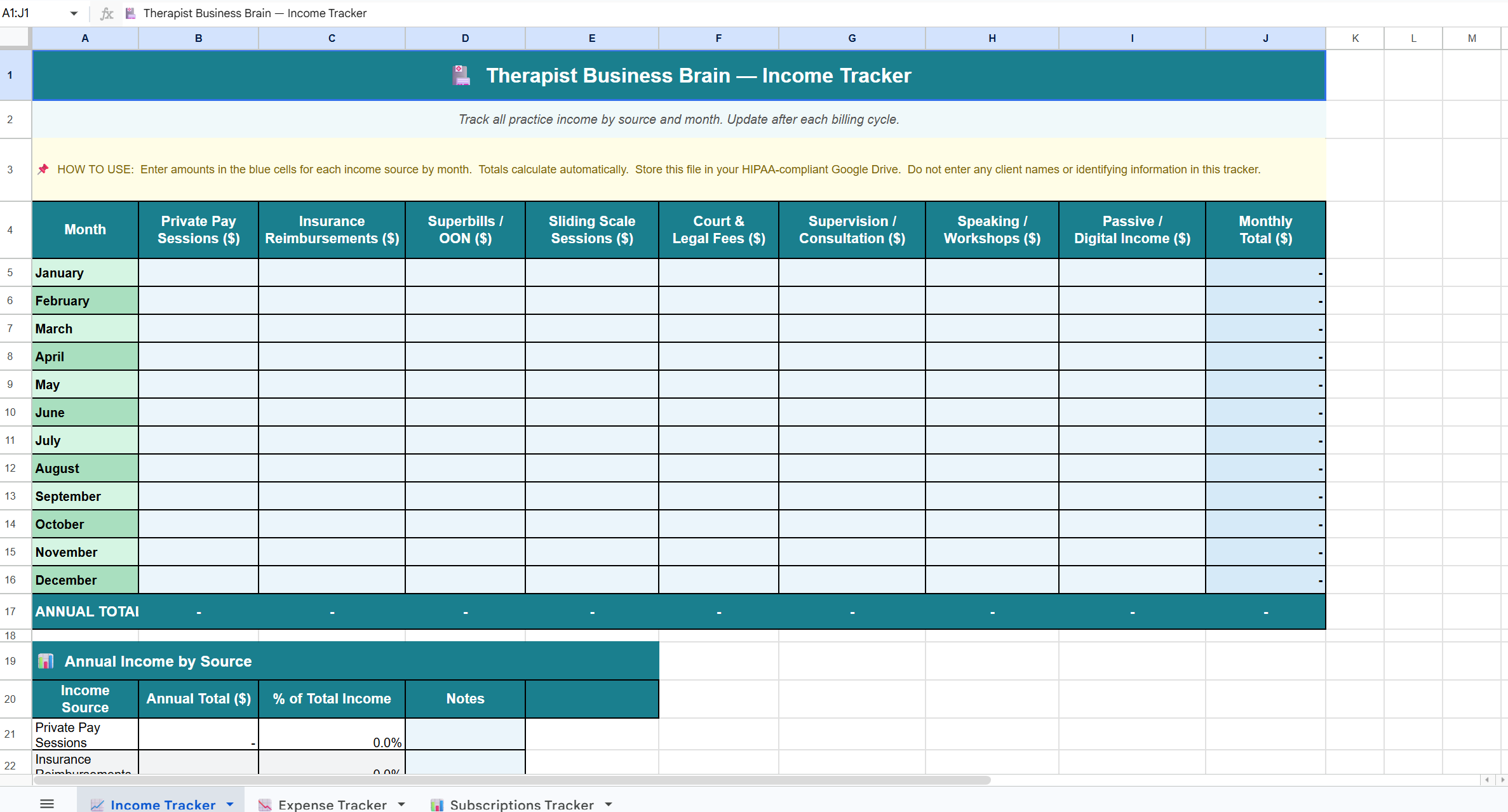 Image 3 of 6
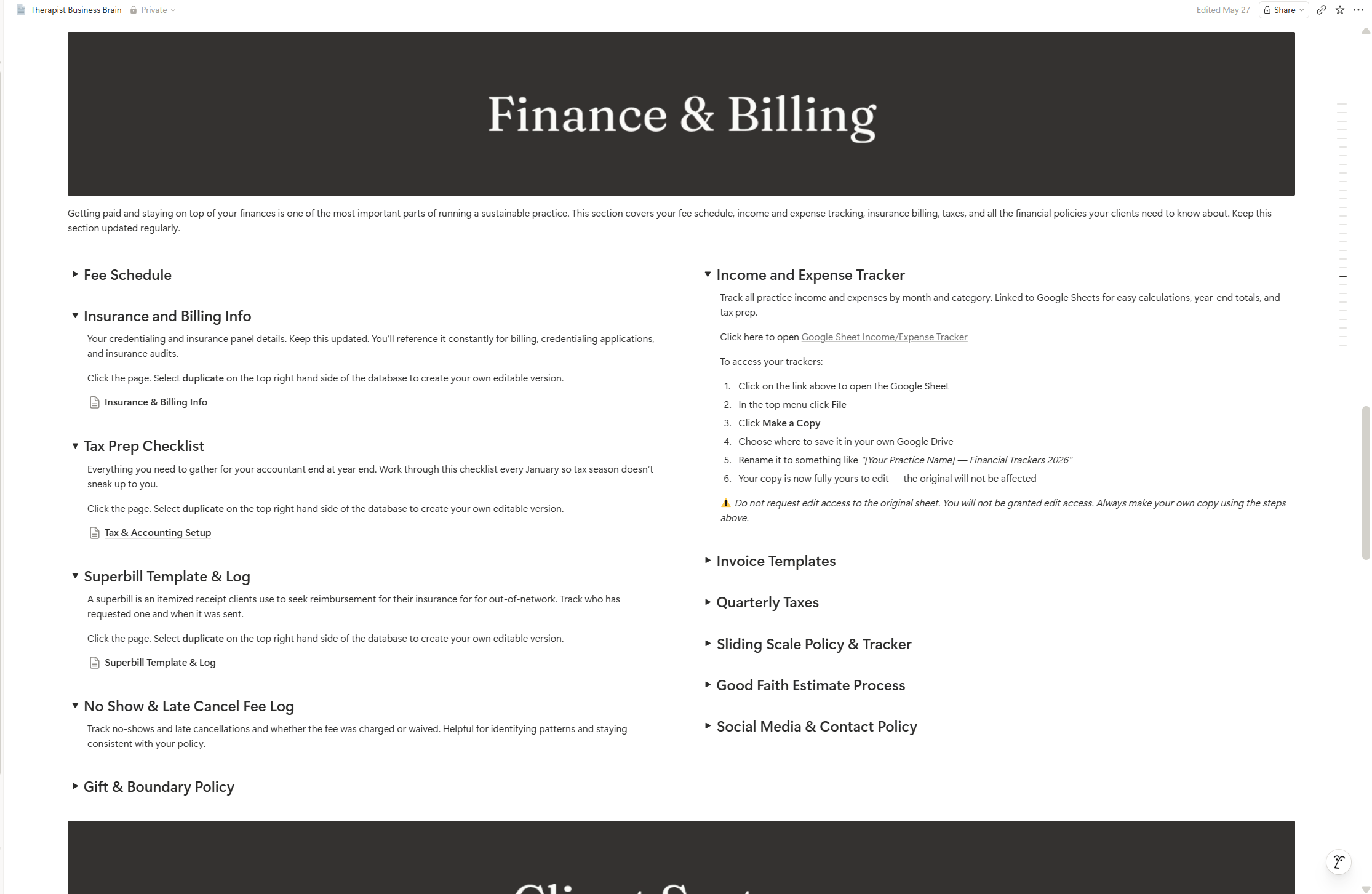 Image 4 of 6
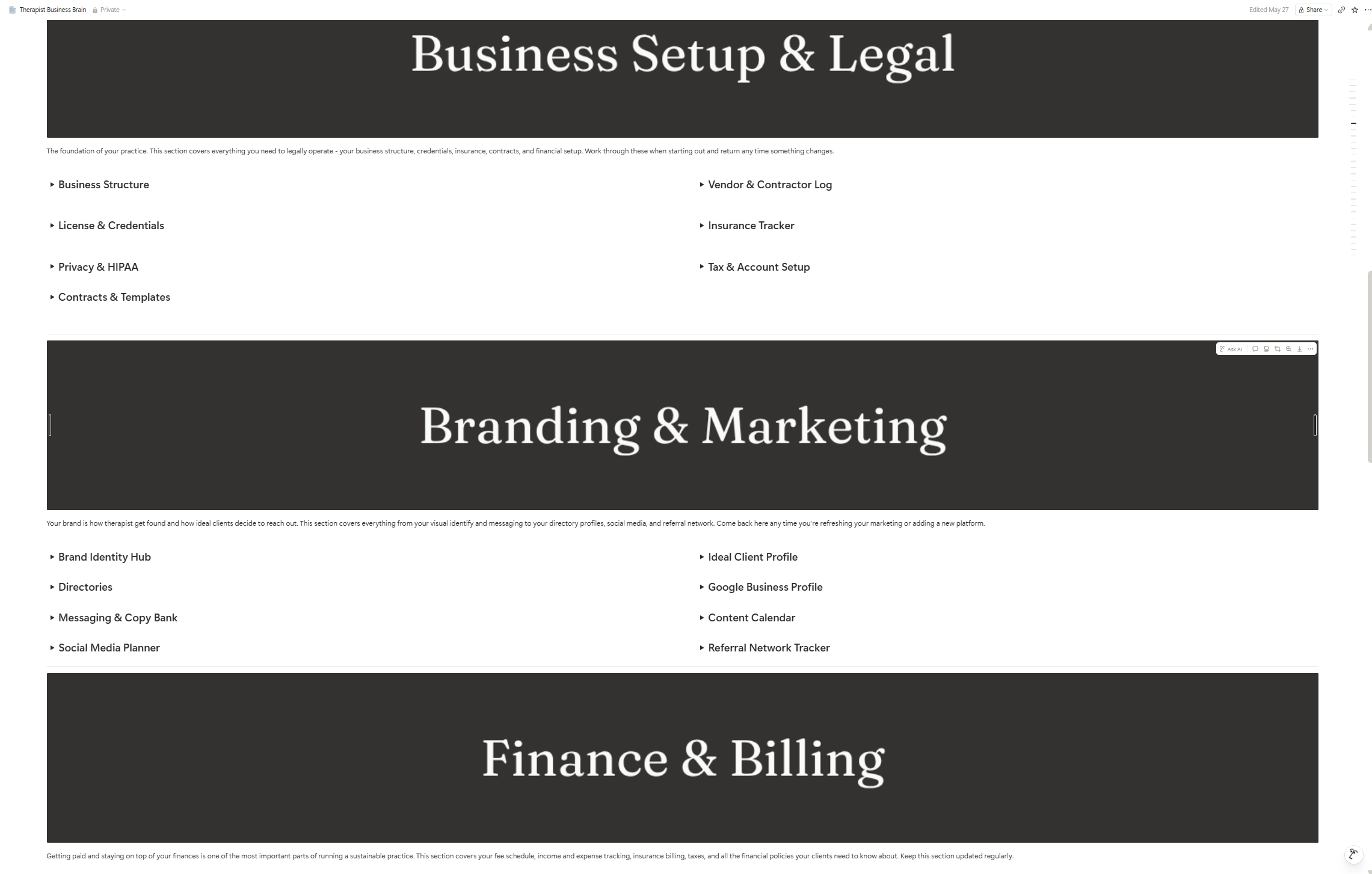 Image 5 of 6
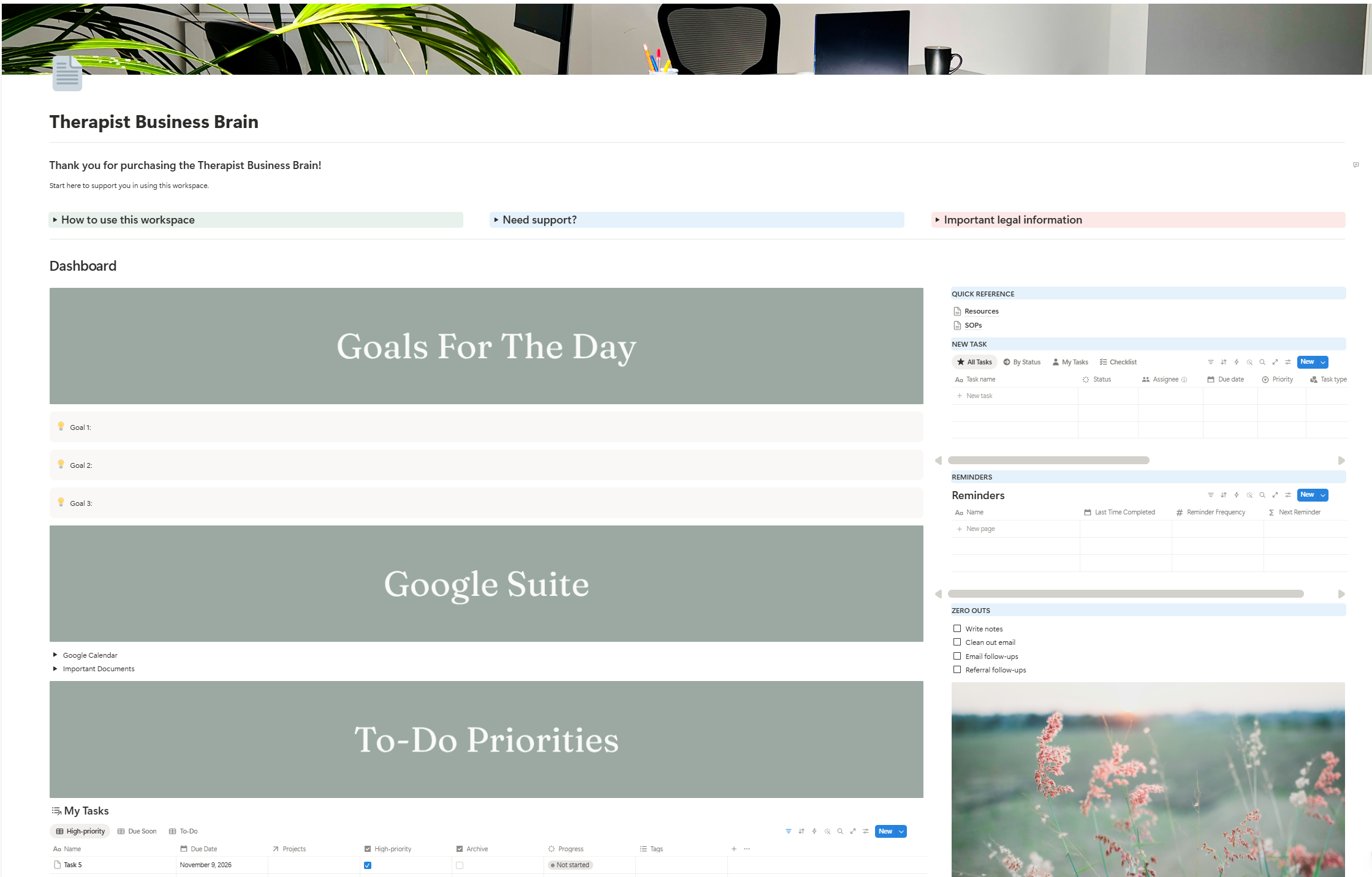 Image 6 of 6
Everything you need to run the business side of your practice.
The Therapist Business Brain isn’t just a template. It’s a complete business operating system built specifically for solo private practice therapists. Whether you are just starting out or have been in practice for years, this workspace gives you the structure, documentation, and daily systems to run your practice like the business it is without the overwhelm.
Every section has been thoughtfully build out with real content, real policy language, real trackers, and real guidance. You are not getting a pretty shell to fill in from scratch but a workspace that is ready to use from day on.
-
7 sections covering every area of your practice:
Business Setup & Legal
Branding & Marketing
Finance & Billing
Client Systems
Practice Operations
Business Growth & Goals
Tools & Tech Stack
-
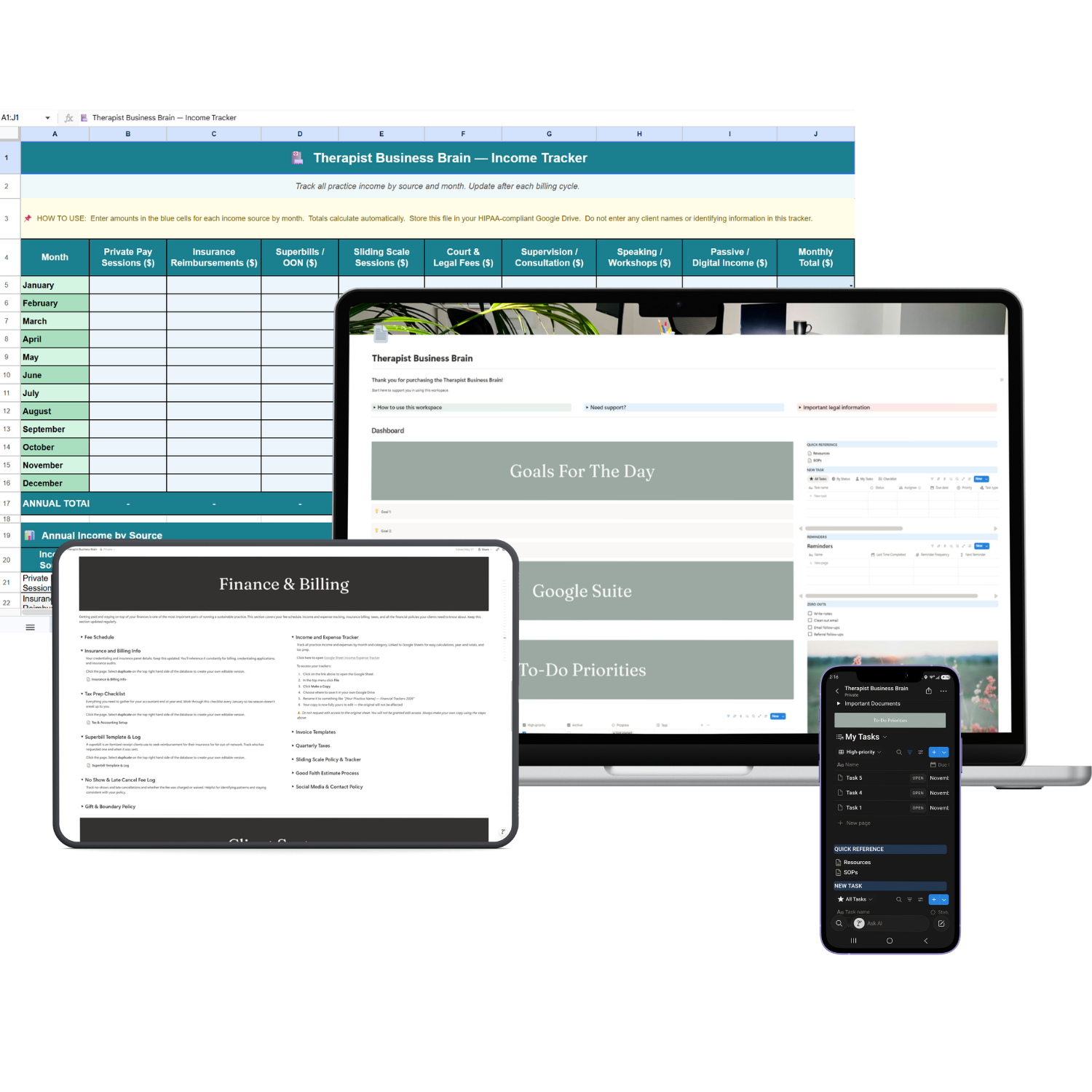
A daily dashboard with goals for the day, task database, Google Suite quick links, reminders, and a zero-out checklist to start every day with intention.
-
Income tracker, expense tracker, and subscriptions tracker all in one file with auto-calculating formulas
-
A separate Google Sheet with an active waitlist tab, filled and archived tab, and a stats tracker with zero PHI stored
-
A dedicated space to document your Standard Operating Procedures, policies, and work instructions so your practice runs consistently every time
-
A curated reference page organized by category so you always know who to call for your clients
-
HIPAA notes, Good Faith Estimate process, professional will template, court and legal fee policy, mandatory reporting SOP, AI in practice policy, and more
-
Every section banner and page cover is fully editable in Canva so you can swap in your brand colors and fonts in minutes
What’s included:
Your may be wondering, do I need to be a Notion expert to use this?
Not at all. The Therapist Business Brain is built for therapists, not tech people. Every toggle and page is already set up and labeled. You just open it, duplicate it into your Notion account, and start filling it in. The structure is done. The thinking is done. You just show up and make it yours.
If you have never used Notion before, not a problem. A free Notion account is all you need to get started, and Notion’s interface is one of the most intuitive tools available. I’ve included links to Notion’s own help guides inside the workspace so you are never left guessing. You can use Notion on your desktop but also download their free app and use it on the go.
- Built for solo private practice therapists — every section, toggle, and policy prompt was written with your specific practice in mind
- Business side only — no clinical information lives here. This workspace works alongside your EHR, not instead of it
- Nine fully built sub-pages — Licenses & Credentials, Contracts & Templates, Privacy & HIPAA Notes, Tax & Accounting Setup, Brand Identity Hub, Messaging & Copy Bank, Insurance & Billing Info, Good Faith Estimate Process, and more
- PHI-free by design — every tracker and table keeps protected health information out of Notion and in your HIPAA-compliant systems where it belongs
- Google Sheets embedded — income, expenses, subscriptions, and waitlist management all calculate automatically
- Canva customization included — editable cover banners and section dividers for every page so your workspace matches your brand
- Grows with your practice — brand new or ten years in, the Therapist Business Brain scales with you
- Lifetime updates included — when the workspace is updated you get access automatically
Notable features:
Still have questions?
-
No. A free Notion account is all you need to duplicate and use this workspace. Notion's free plan gives you everything required to get started. If you want to invite team members or access advanced features you can upgrade at any time but it is not required for this template.
-
After purchase you will receive a PDF with your Notion template link, your Google Sheets links, and step-by-step instructions for getting started. Click the Notion link, select Duplicate, and the entire workspace is copied directly into your own Notion account. No complicated setup required.
-
The Google Sheets are separate from Notion and handle your number-tracking: income, expenses, subscriptions, and waitlist management. After purchase you open each sheet, make your own copy in Google Drive, and save it to your HIPAA-compliant Google Drive folder. Links to each sheet are included in your delivery PDF and inside the workspace itself.
-
Yes. Every section banner and page cover was designed as an editable Canva template. Once you receive your purchase you can open each template in Canva, swap in your brand colors and fonts, and upload the updated images directly into Notion. Full instructions are included inside the workspace under Tools & Tech Stack.
-
You need a free Notion account and a Google account; which are both free. Canva is used for cover customization and the free plan works fine. Any other tools referenced in the workspace like your EHR, scheduling software, or telehealth platform are tools you likely already have. Nothing additional is required to use the core workspace.
-
Due to the digital nature of this product all sales are final. No refunds are offered after purchase. If you have questions about whether this workspace is right for your practice please reach out before purchasing at support@thefoliostudio.com.
-
Reach out at support@thefoliostudio.com and I will get back to you within 2–3 business days.
Not ready yet? Start here for free.
I know investing in a new tool is a big decision. Before you commit explore the free resources: quick-start guides, cheat sheets, and tools designed to help you organize your practice without spending a dime.
Want to learn more before you dive in? The blog is packed with practical guides on running your private practice using Canva, Google Workspace, Notion and Squarespace written specifically for therapists in private practice.