 Image 1 of 4
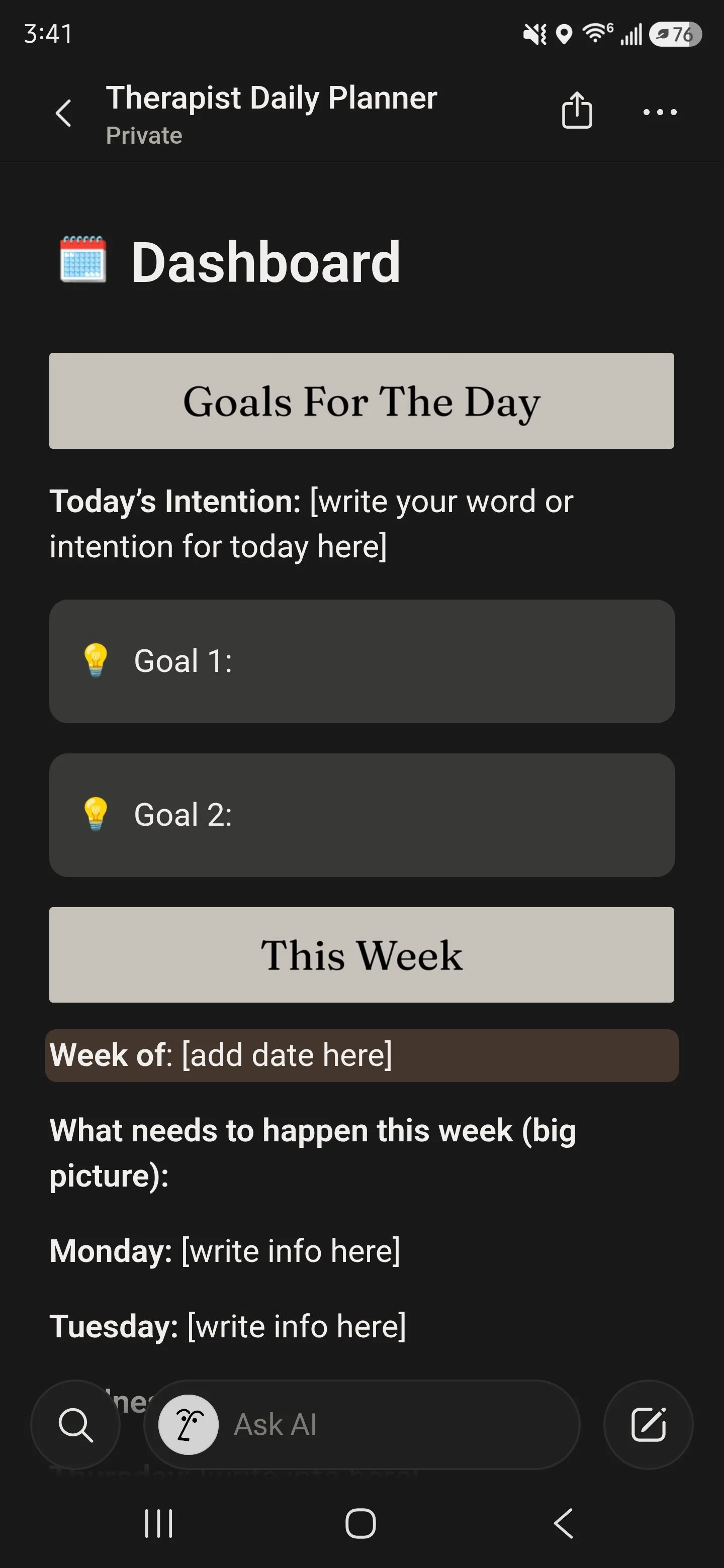 Image 2 of 4
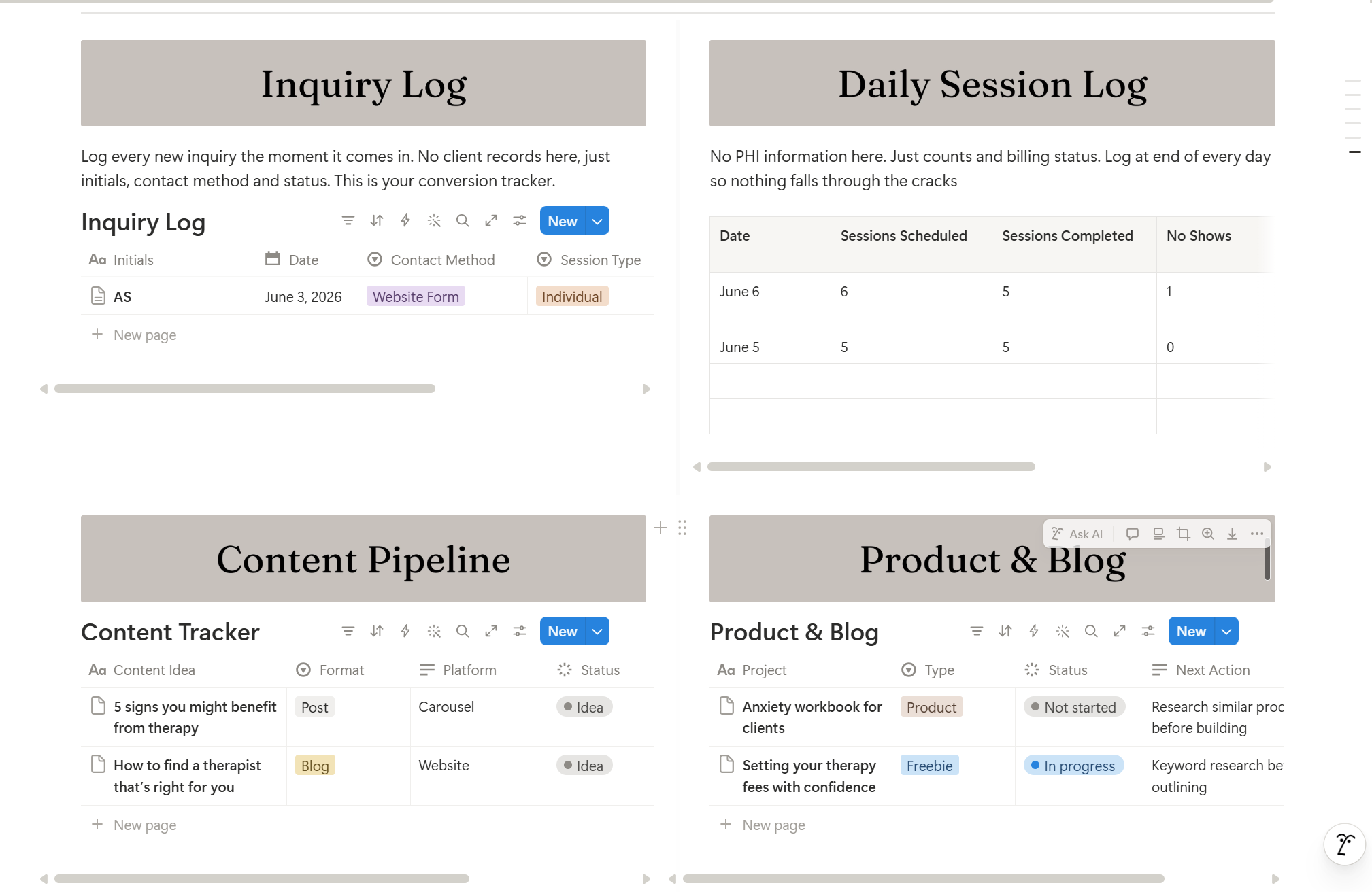 Image 3 of 4
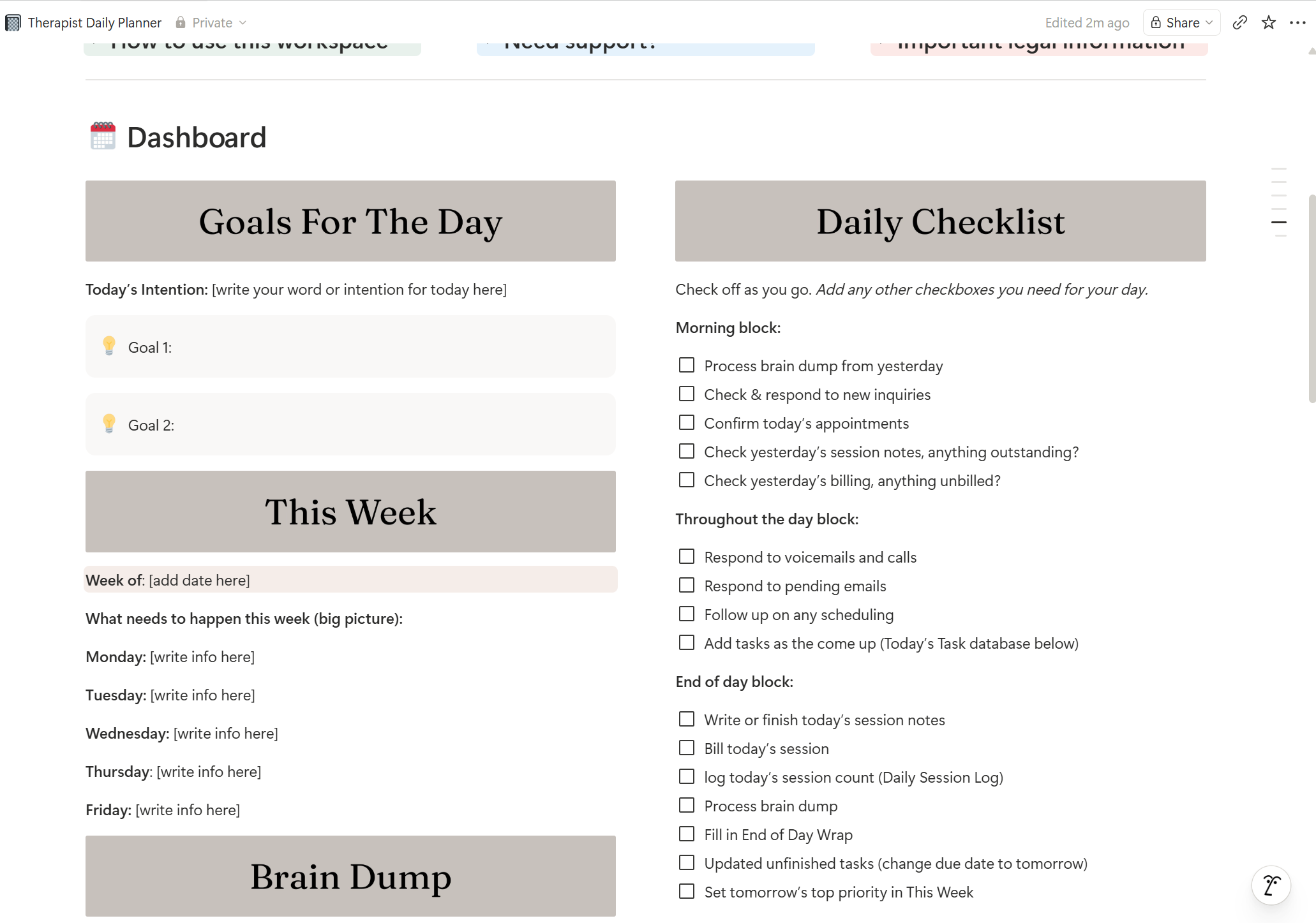 Image 4 of 4
Everything you need to run your day in one place.
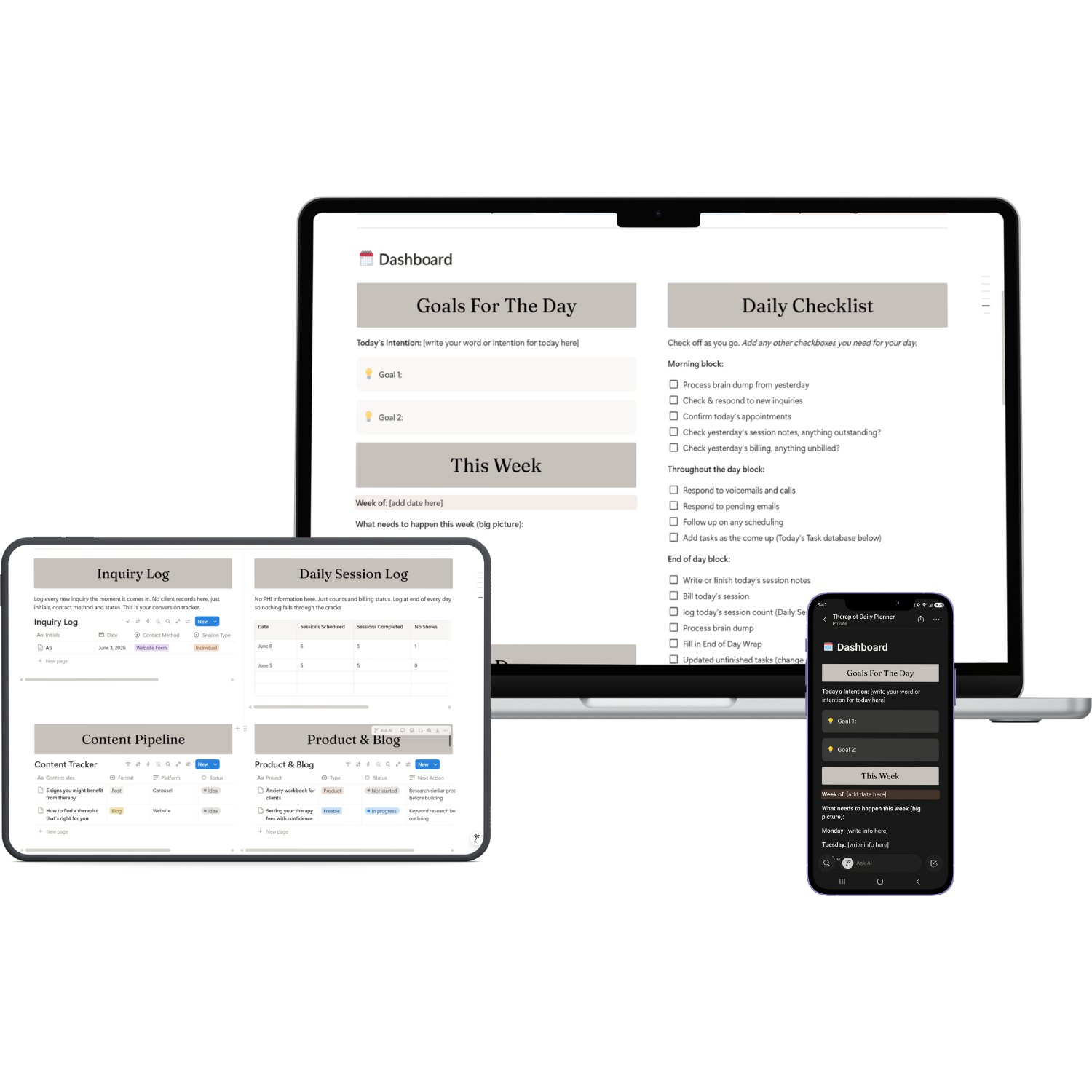
The Therapist Daily Planner is not just a pretty template you fill in once and forget. It is a functional daily operating system built around how a therapist actually works: morning admin, back to back sessions, billing, content creation, and everything in between.
Every database, every checklist, and every section was designed with one question in mind: does this make a therapist’s day easier? Nothing is in here because it looks good. Everything is here because it works.
-
One page with everything you need to run your day:
Brain Dump
Goals for the Day
This Week
Daily Checklist
All Your Databases
End of Way Wrap
Open it every morning. Close it every night.
-
Capture every mid-session thought, random follow-up, and task the moment it comes to you. Tag it, process it into the right database at end of day, mark it done. It disappears from view but never gets deleted.
-
Add tasks as they come up throughout the day. Filter automatically hides completed tasks. Overdue tasks surface automatically because they still carry yesterday's date. Nothing resets. Nothing gets lost.
-
Log every new inquiry from first contact to converted client or referred out. Track contact method, session type, pay type, and status. Never lose a lead or forget a follow-up.
-
Log session counts and billing status at end of every day. No PHI, just counts and statuses. Know at a glance whether notes and billing are complete for the day.
-
Plan and track every piece of content from idea to published. Published content disappears from view automatically so you only see what is active and in progress.
-
Every blog post and product you are working on lives here. Click into any row to open its own page where the actual writing and project work lives. Your draft is always exactly where you left it.
-
Three prompts. Two minutes. Close every day knowing what you accomplished, what carries forward, what cannot wait, and one win to take with you.
-
Every banner on the dashboard is fully editable in Canva. Swap in your brand colors and fonts and upload back into Notion in minutes. All template links included inside the dashboard.
-
A detailed instructions toggle walks you through the exact daily workflow: morning, throughout the day, and end of day, so you know how to use every part of the dashboard from day one.
What’s included:
You may be wondering, is this actually easy to use every day?
Yes. The Therapist Daily Planner runs on Notion’s free plan. The layout is one page. Everything is visible at a glance. The databases do the heavy lifting so you never have to delete, reset, or rebuild anything. You just open it, work through your day, and close it. That’s it.
If you have never used Notion before, not a problem. A free Notion account is all you need to get started, and Notion’s interface is one of the most intuitive tools available. I’ve included links to Notion’s own help guides inside the workspace so you are never left guessing. You can use Notion on your desktop but also download their free app and use it on the go.
- Built for solo private practice therapists — every database, checklist, and prompt was designed around how a therapy day actually flows
- One page — everything visible — no hunting through sub-pages or buried toggles. Your entire day lives on one clean dashboard
- PHI-free by design — no client names, session notes, or clinical records. Everything clinical stays in your EHR where it belongs
- Databases that accumulate — nothing resets, nothing gets deleted. Done items disappear from view automatically via filter but your data is always there
- Inquiry Log included — track every potential client from first contact to converted or referred out. Never lose a lead or miss a follow-up
- Works on Notion's free plan — no paid Notion subscription required. Everything in this dashboard runs on the free version
- Canva customization included — editable dashboard banners for every section so your planner matches your brand
- Lifetime updates included — when the planner is updated you get access automatically
Notable features:
Still have questions?
-
No. A free Notion account is all you need to duplicate and use this workspace. Notion's free plan gives you everything required to get started. If you want to invite team members or access advanced features you can upgrade at any time but it is not required for this template.
-
After purchase you will receive a PDF with your Notion template link, your Google Sheets links, and step-by-step instructions for getting started. Click the Notion link, select Duplicate, and the entire workspace is copied directly into your own Notion account. No complicated setup required.
-
The Google Sheets are separate from Notion and handle your number-tracking: income, expenses, subscriptions, and waitlist management. After purchase you open each sheet, make your own copy in Google Drive, and save it to your HIPAA-compliant Google Drive folder. Links to each sheet are included in your delivery PDF and inside the workspace itself.
-
Yes. Every section banner and page cover was designed as an editable Canva template. Once you receive your purchase you can open each template in Canva, swap in your brand colors and fonts, and upload the updated images directly into Notion. Full instructions are included inside the workspace under Tools & Tech Stack.
-
You need a free Notion account and a Google account; which are both free. Canva is used for cover customization and the free plan works fine. Any other tools referenced in the workspace like your EHR, scheduling software, or telehealth platform are tools you likely already have. Nothing additional is required to use the core workspace.
-
Due to the digital nature of this product all sales are final. No refunds are offered after purchase. If you have questions about whether this workspace is right for your practice please reach out before purchasing at support@thefoliostudio.com.
-
Reach out at support@thefoliostudio.com and I will get back to you within 2–3 business days.
Not ready yet? Start here for free.
I know investing in a new tool is a big decision. Before you commit explore the free resources: quick-start guides, cheat sheets, and tools designed to help you organize your practice without spending a dime.
Want to learn more before you dive in? The blog is packed with practical guides on running your private practice using Canva, Google Workspace, Notion and Squarespace written specifically for therapists in private practice.